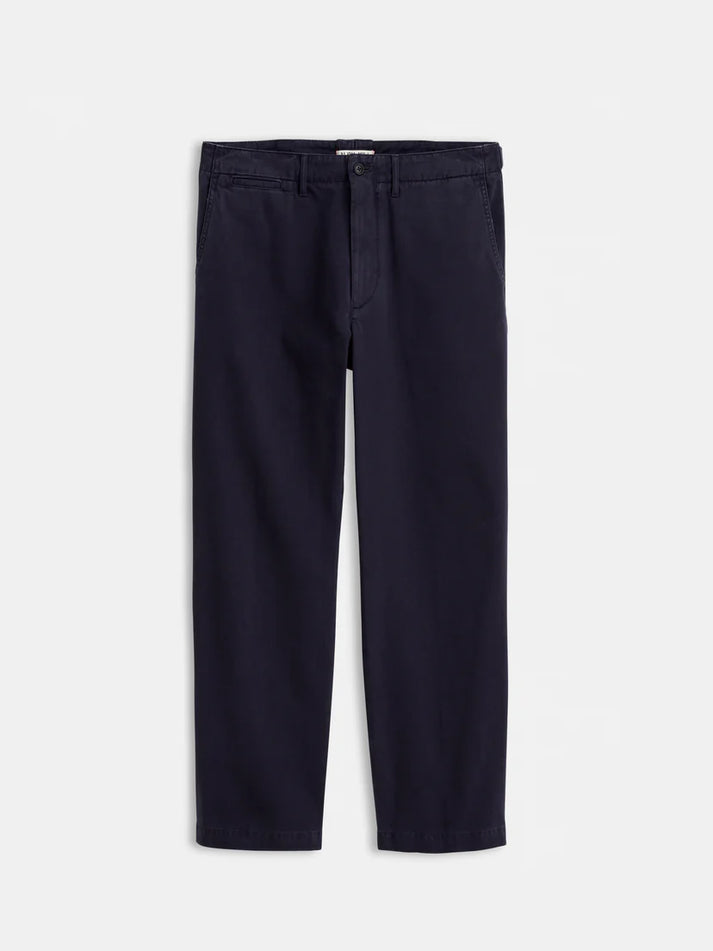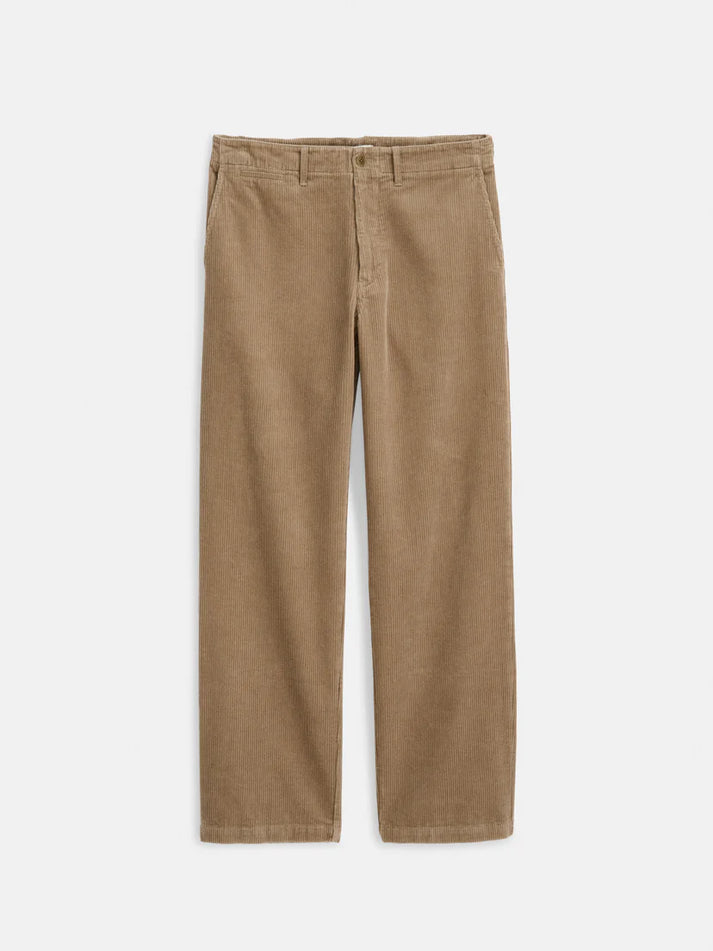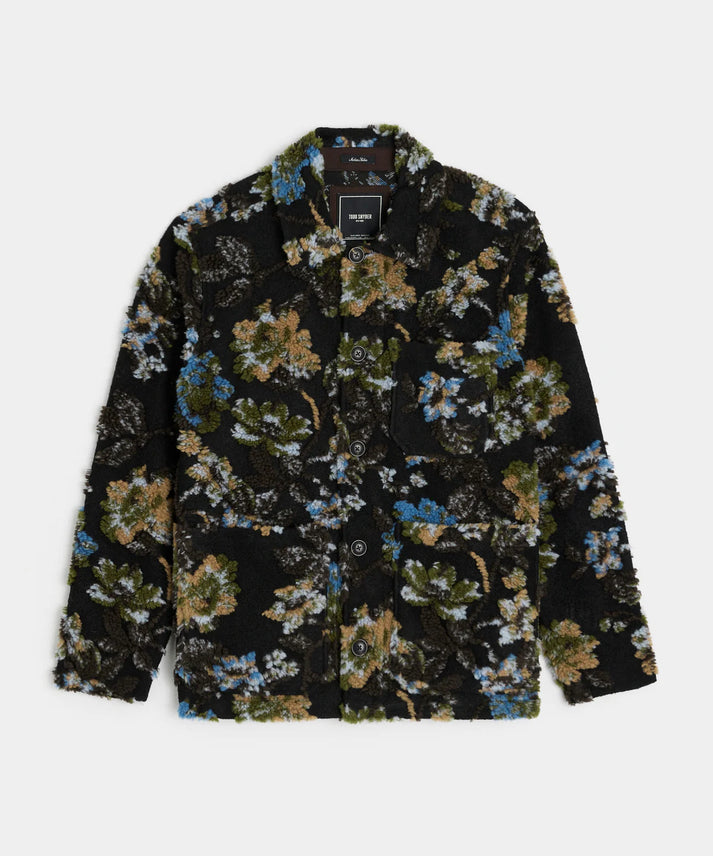
Saved images are a modern form of shopping list. They capture proportion, styling, and detail more effectively than a product name—but they are often disconnected from purchasable inventory.
A visual wardrobe finder converts that reference into a structured search that can be refined by category, color, material, size, and budget.
THE SHORT VERSION
What to know
- Crop the image around the target garment.
- Describe construction details alongside the upload.
- Verify the match using product data and additional images.
Prepare a better reference
Choose the highest-resolution image available and crop away unrelated clothing when possible. Multiple angles are useful if a pocket, fastening, or fabric texture defines the product.
Avoid assuming the celebrity or creator caption identifies every garment correctly. Treat the image itself as the primary evidence.
Add the details vision cannot confirm
An image may suggest suede without proving the material, or show an oversized silhouette without revealing the tagged size. Add known information such as season, desired fabric, body measurements, and budget.
Text and image inputs solve different parts of the problem. Combining them usually produces more relevant candidates.
Validate before checkout
Compare seams, buttons, pockets, labels, color, and proportions across all available product images. Read the supplier description and confirm size availability.
A close visual match may be the better purchase even when it is not the original product—particularly when fit, price, or fabric better serves the customer.
Editorial information is general guidance. Confirm the selected product, size, supplier, shipping, and final-sale terms before purchase.